

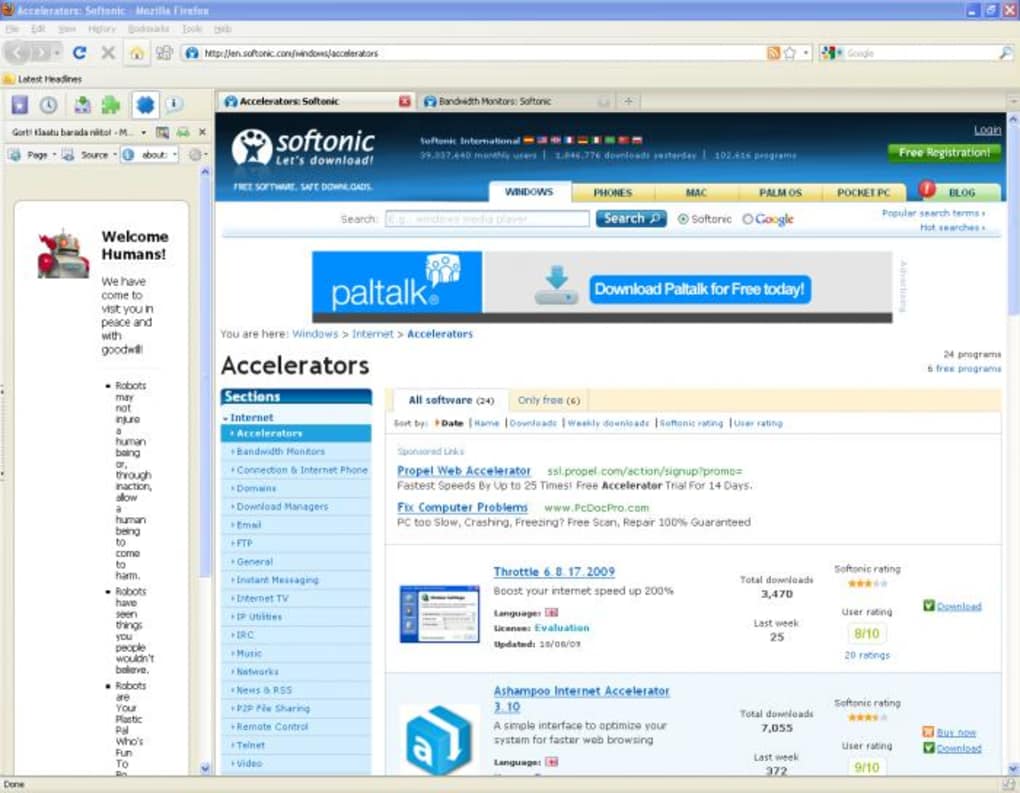
Description
Download All in One Sidebar Extension – Firefox Sidebar, Quick Access, Customizable Toolbar
Overview
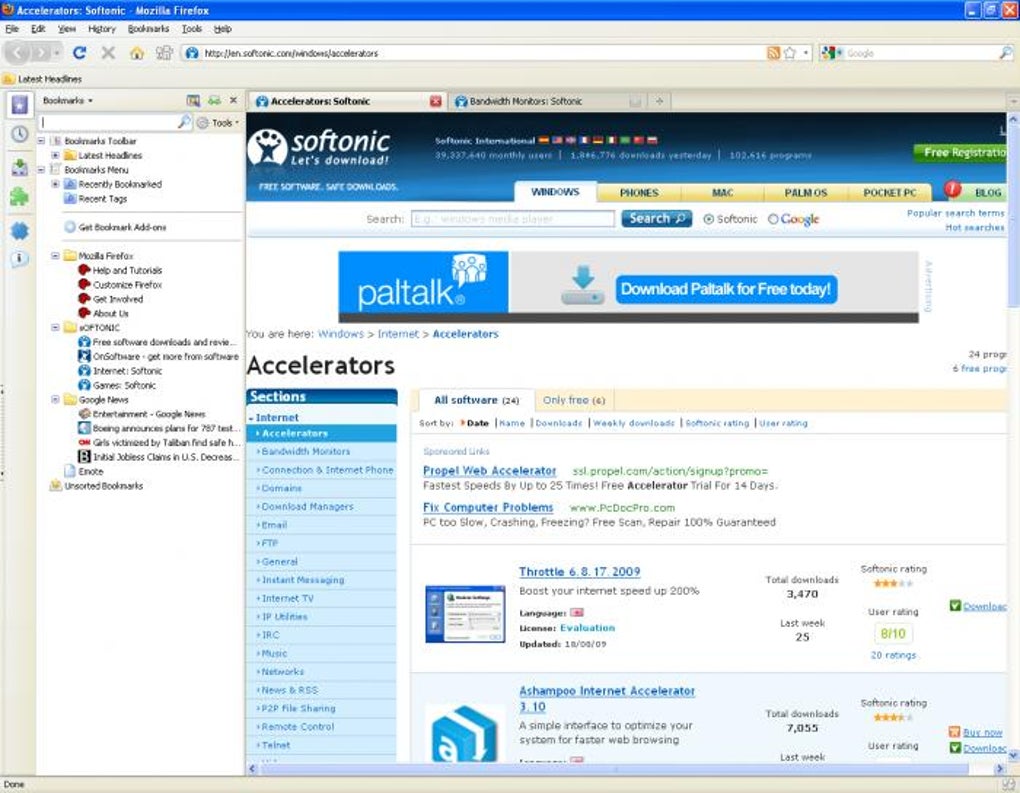
The All in One Sidebar extension re‑imagines the way Firefox users interact with the browser’s built‑in tools. Instead of hunting for tiny icons at the top of the window, the add‑on gathers bookmarks, history, downloads, add‑ons, and page‑information into a single, detachable side panel. Whether you prefer the bar on the left or right, you can resize, recolor, and hide it with a single click. The result is a more ergonomic workflow that keeps the most‑used Firefox functions within arm’s reach without sacrificing screen real‑estate. Designed for Firefox 3.7 and newer, the sidebar works across multiple locales, including Arabic (Saudi Arabia) and Albanian, ensuring a consistent experience for a global audience. While the panel can feel a bit invasive when expanded, its toggle button and full customization options let you tailor the visibility to match your browsing habits. In short, All in One Sidebar is a free, secure, and lightweight tool that brings the power of Firefox’s native menus to a more convenient, side‑mounted interface.
Key Features
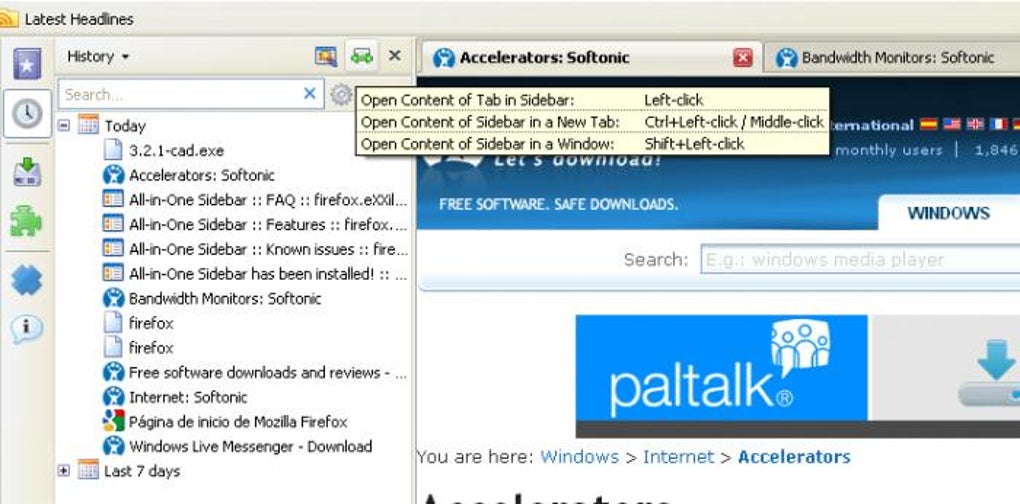
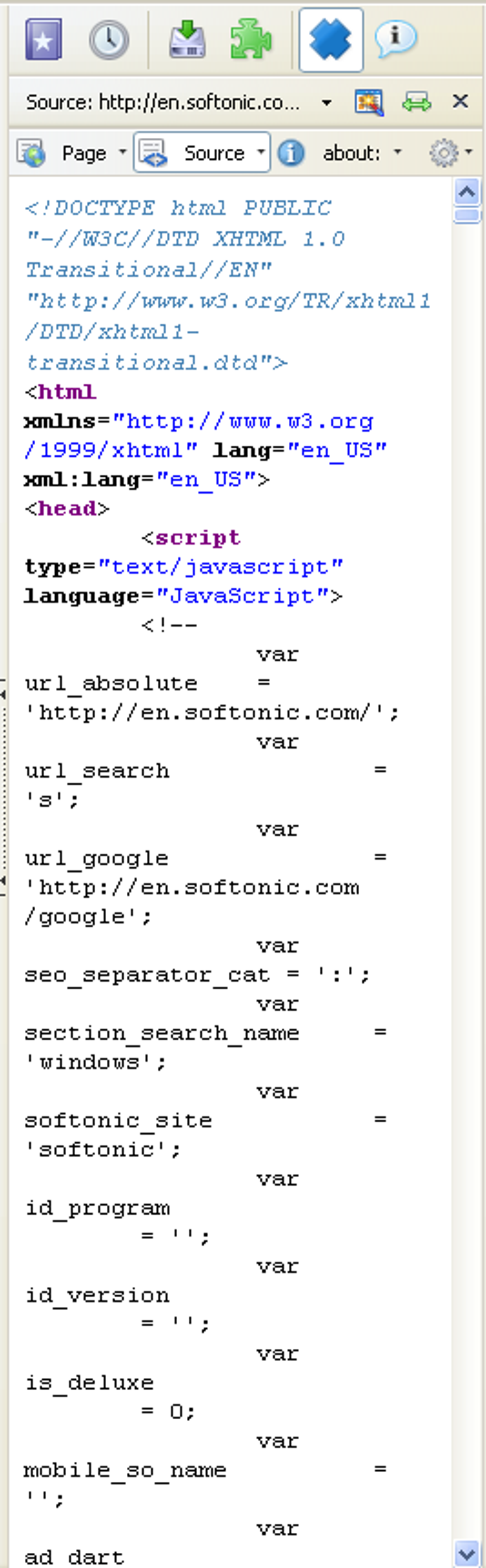
- Unified Side Panel: Consolidates bookmarks, history, downloads, add‑ons, and page info into one place.
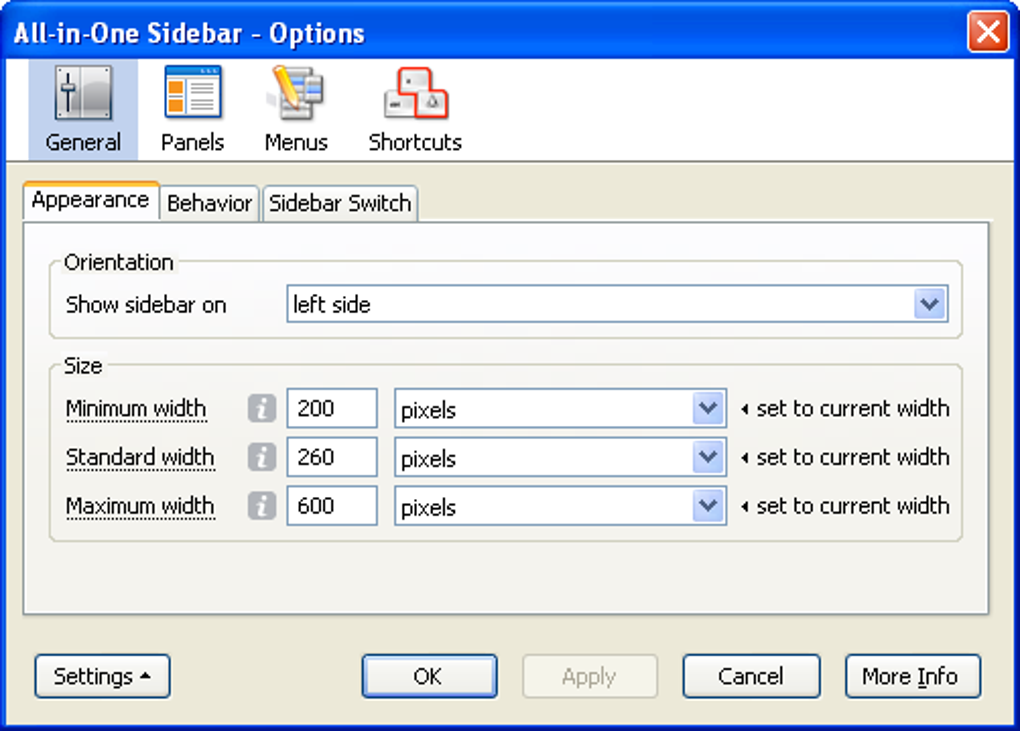
- Customizable Layout: Adjust width, height, background color, and icon size to match your theme.
- Left‑or‑Right Docking: Choose the side of the screen that best fits your workflow.
- One‑Click Toggle: Instantly hide or reveal the sidebar without restarting Firefox.
- Quick‑Access Drop‑Down: Access deeper options for each tab with a single click.
- Multi‑Language Support: Includes Arabic (Saudi Arabia) and Albanian localizations.
- Lightweight Performance: Minimal CPU and memory usage, keeping Firefox fast.
- Free & Open Source: No hidden fees, no ads, and community‑driven updates.
Installation & Usage Guide
Step‑by‑Step Installation
1. Open Firefox and navigate to the All in One Sidebar add‑on page.
2. Click the Add to Firefox button; a confirmation dialog will appear.
3. Accept the permissions, then click Install. Firefox will automatically restart to activate the extension.
4. After the restart, a small toggle icon appears on the toolbar – this is your gateway to the sidebar.
Getting Started
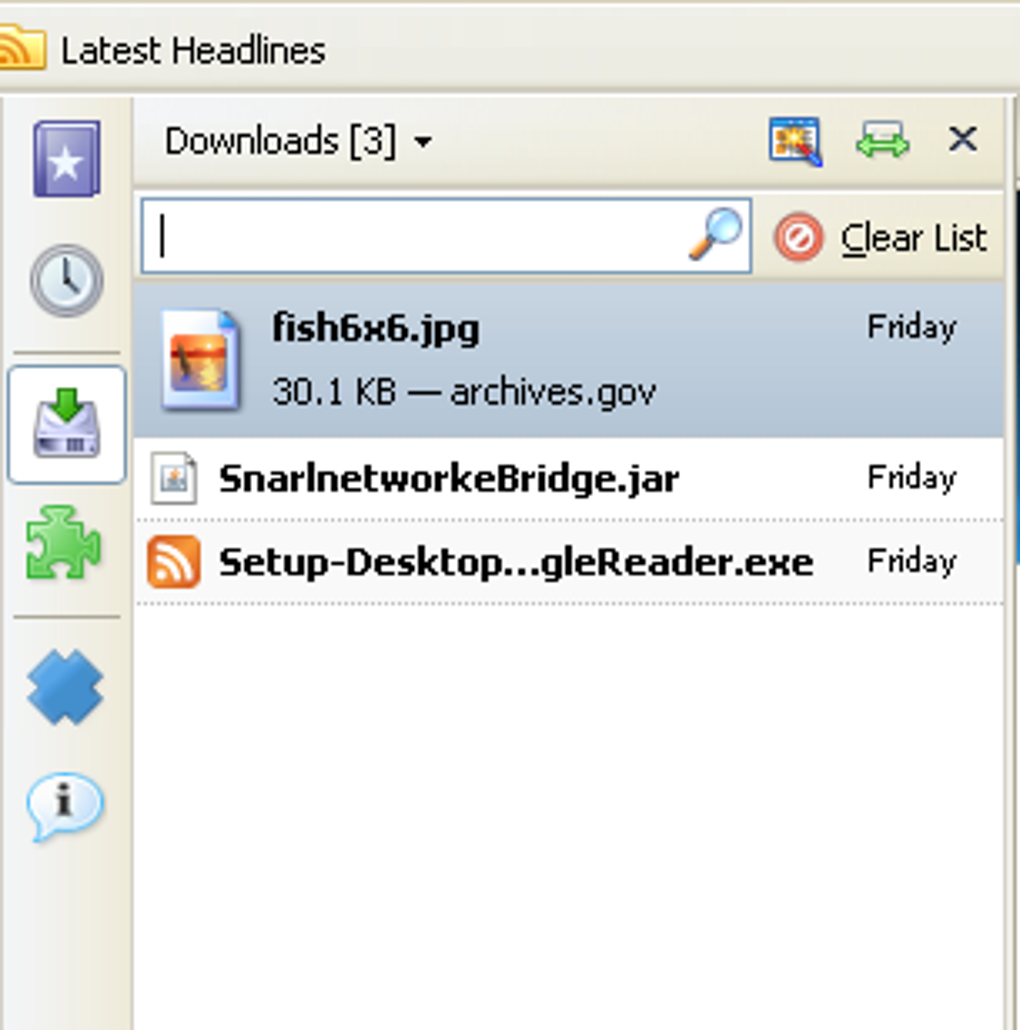
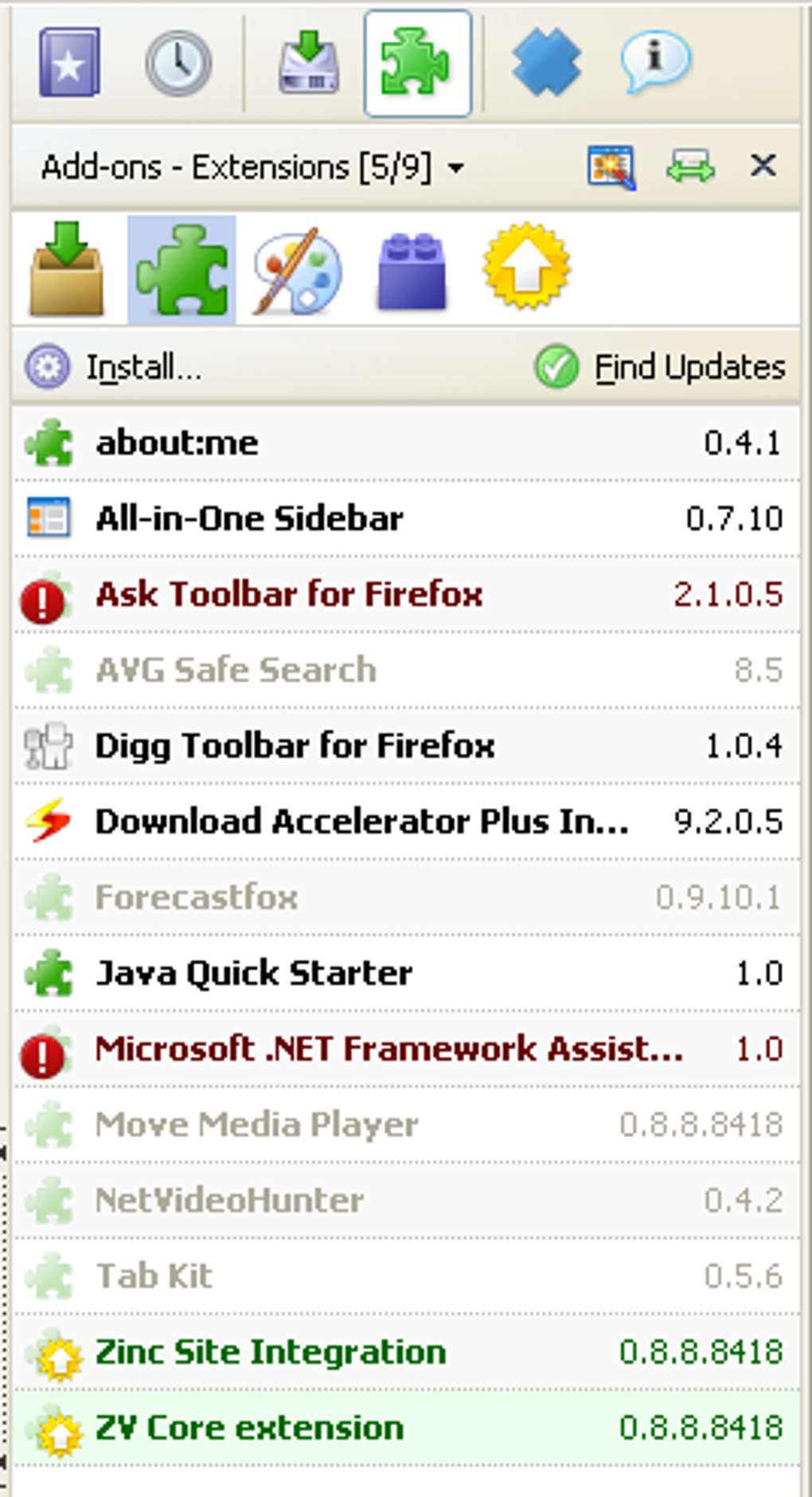
Click the toggle icon to reveal the sidebar on your chosen side. By default, the panel opens on the right with the following tabs: Bookmarks, History, Downloads, Add‑ons, and Page Info. Drag the divider between the sidebar and the main content area to resize it to your liking. To move the panel to the left, right‑click the toggle icon and select Dock to Left. Each tab can be reordered by dragging its header; you can also hide individual tabs via the settings menu (accessed via the gear icon in the upper‑right corner of the sidebar).
Customization Tips
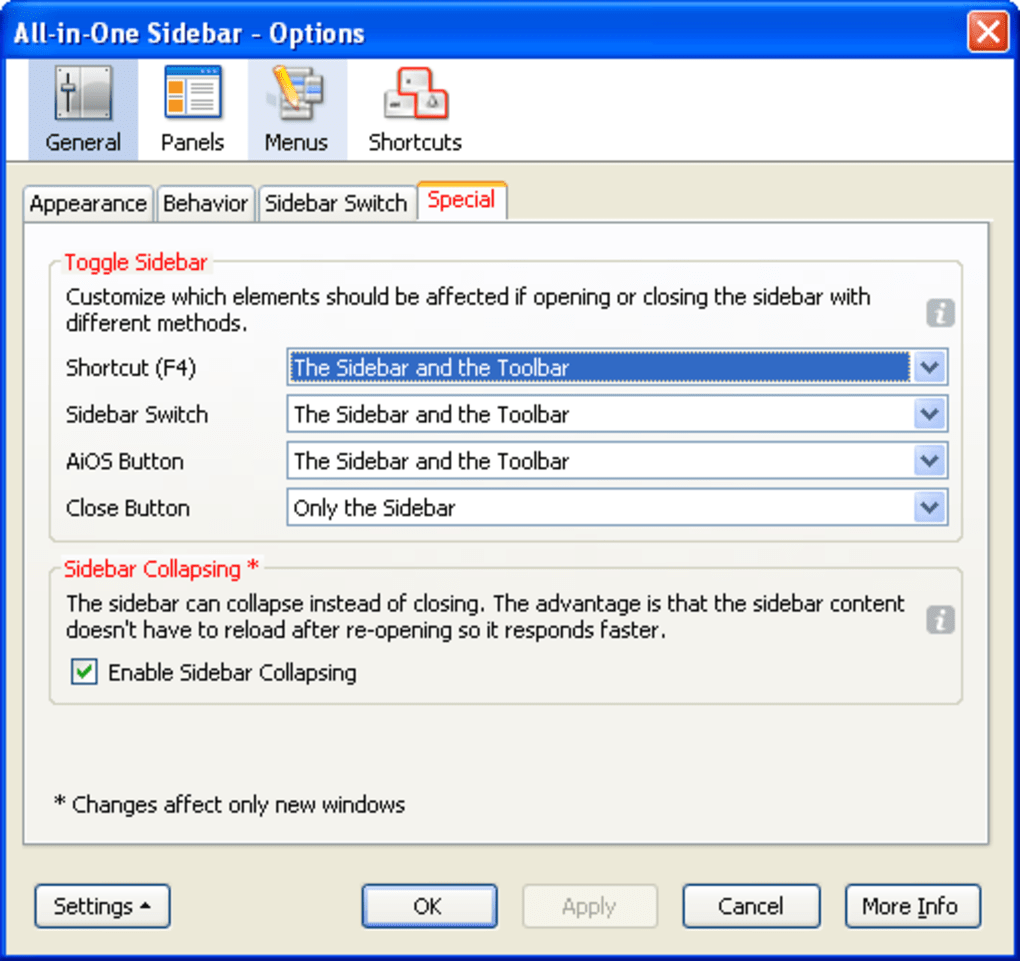
Open the sidebar’s settings panel to change the theme color, enable/disable specific tabs, or set a default width. For power users, the Advanced section allows you to inject custom CSS, letting you match the sidebar’s appearance to any Firefox theme. Remember to click Save after each adjustment; changes apply instantly without a browser restart.
Compatibility, Pros & Cons
All in One Sidebar works on any operating system that supports Firefox 3.7 or later, including Windows 7‑11, macOS 10.9+, Linux distributions, and even Firefox for Android (via the Firefox Nightly build that supports desktop‑style extensions). The extension has been tested with the latest Firefox ESR releases and retains full functionality after major updates.
Pros
- Provides instant access to core Firefox tools without navigating multiple menus.
- Highly customizable – size, position, colors, and visible tabs can all be tailored.
- Free, open‑source, and regularly updated by a responsive developer community.
- Supports multiple languages, expanding accessibility worldwide.
- Lightweight impact on browser performance, keeping page load times fast.
Cons
- The sidebar can feel intrusive on smaller screens or when opened at maximum width.
- Some users may prefer native Firefox menus; the extension adds an extra UI element.
- Occasional visual glitches may appear after major Firefox UI overhauls, requiring a quick restart.
- Advanced CSS customization requires basic knowledge of styling.
FAQ
Is All in One Sidebar safe to use?
Yes. The extension is reviewed by Mozilla’s Add‑on team, signed with a Mozilla certificate, and does not collect personal data. It only interacts with Firefox’s built‑in APIs.
Can I use the sidebar on Firefox for Android?
The standard mobile build does not support desktop‑style extensions, but the Firefox Nightly for Android does. Install the Nightly version, then add the extension from the Add‑ons site.
How do I hide the sidebar temporarily?
Click the toggle button on the toolbar. The sidebar will collapse instantly and can be restored with another click.
Does the extension affect Firefox’s performance?
No noticeable slowdown has been reported. The sidebar runs as a lightweight UI component, consuming minimal CPU and RAM.
Can I customize the order of the tabs?
Yes. Drag the tab headers within the sidebar to rearrange them. The new order is saved automatically.
Conclusion & Call to Action
All in One Sidebar delivers a practical, free, and highly configurable way to keep Firefox’s most‑used features at your fingertips. Whether you’re a power user who constantly checks history and downloads, or a casual surfer who just wants quick access to bookmarks, the extension streamlines navigation without compromising the browser’s speed. Its minimal footprint, multilingual support, and simple toggle mechanism make it a solid addition to any Firefox setup. Ready to boost your productivity? Download All in One Sidebar now and transform the way you browse.
Pros: Easy access, customizable, lightweight.
Cons: May feel intrusive on small screens, occasional UI quirks.
Guides & Tutorials for All in One Sidebar Extension
How to install All in One Sidebar Extension
- Click the Preview / Download button above.
- Once redirected, accept the terms and click Install.
- Wait for the All in One Sidebar Extension download to finish on your device.
How to use All in One Sidebar Extension
This software is primarily used for its core features described above. Open the app after installation to explore its capabilities.
User Reviews for All in One Sidebar Extension 0
No reviews found





